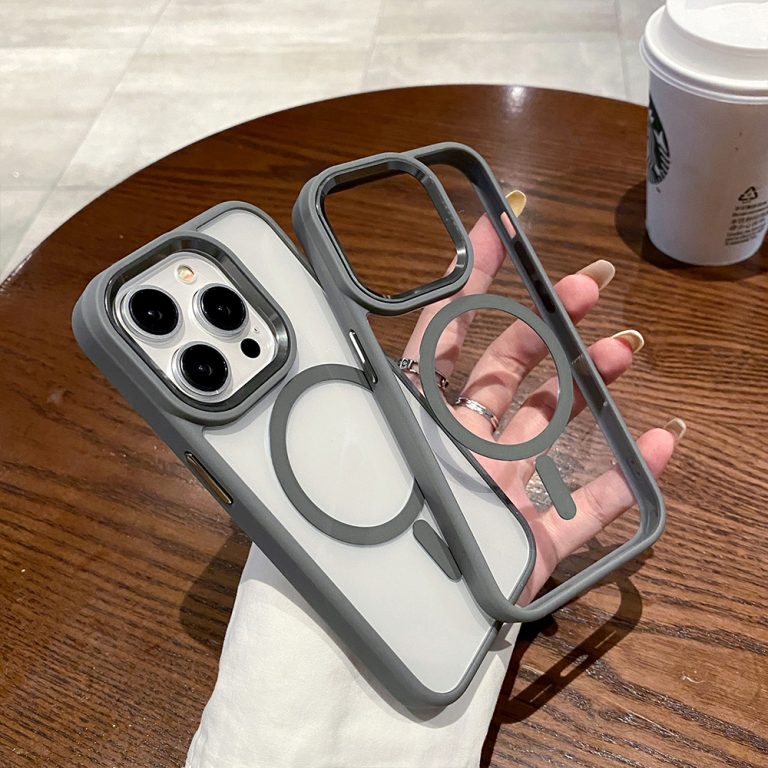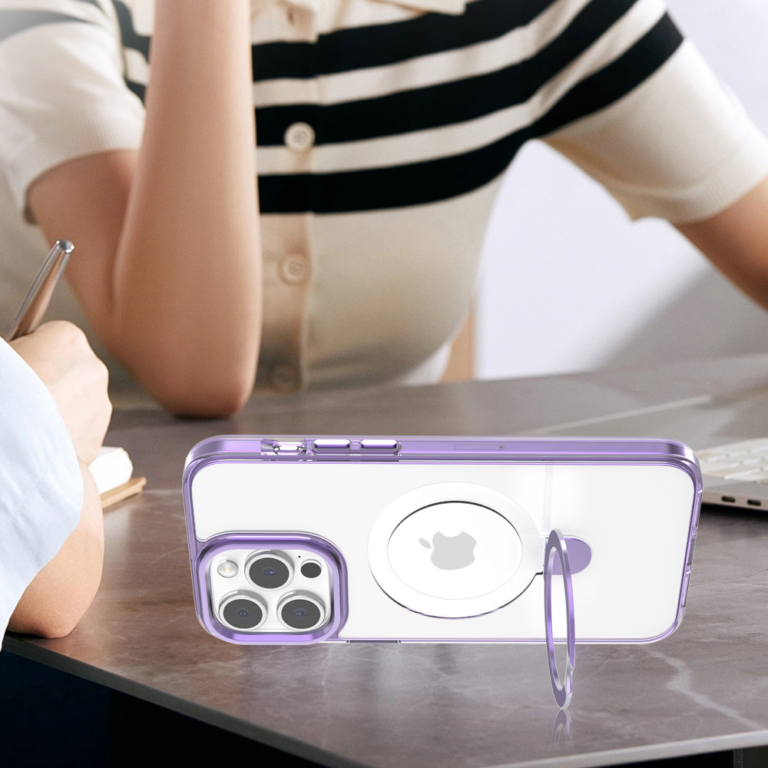
To keep an approved phone case sample aligned with the final order, treat the physical sample and its specification revision as one reference, not two separate things. Log every proposed change against that reference, and reopen approval whenever a change touches an agreed fit or appearance requirement.

Before you release mass production, confirm that the approved sample, the final order, and the current production specification all point to the same revision. An unversioned sample sitting on a desk can’t tell anyone which requirements production should follow.
Create One Approved Sample-and-Specification Baseline
A sample becomes a reliable benchmark only when it is labeled with the exact specification revision it represents. This adaptation draws on NASA configuration-management guidance, which calls for unique identifiers for a product and its documents while defining a baseline as an agreed, documented description of attributes at a point in time.
Applied to phone case sample approval, the physical sample and the spec sheet get one linked label. A simple example is “Sample S-03 / Spec Rev C.” Any format works if both parties use it the same way. The goal is to tell the approved sample apart from earlier and later rounds.
A practical baseline record can hold these items:
- Physical sample identifier: a tag on the approved sample itself, so it can’t be confused with other samples.
- Specification revision: the exact revision number or letter the sample was approved against.
- Approval record: who approved it, when, and in what form (email, signed sheet, or portal sign-off), filed with the revision.
- Agreed fit and appearance requirements: the case details that revision covers, such as phone model fit, button and port openings, camera cutout, color, finish, and logo placement.
The last item matters most for production. NASA’s production-baseline description treats it as approved documentation of detailed physical, or form, fit, and function, characteristics. For a phone case, that means the agreed form, fit, and physical traits belong in the written spec, not just in the sample. Which fields you list depends on what you and your supplier actually agreed. This record is a working control method, not an industry-mandated form.
Log Each Proposed Change Against the Current Revision
Every proposed change should be compared with the current approved revision before anyone acts on it. NASA’s change-control guidance describes a systematic process: propose, justify, and evaluate changes, then incorporate approved changes and verify implementation. That same logic works well as a buyer-supplier change log.
- Name the current baseline. Write down the sample and revision the proposal changes, for example “S-03 / Rev C.”
- Describe the proposal and its reason. Say what would change and why. A supplier might propose a different coating supply or a small tweak to a button cover. Mark it as “proposed” until a decision is made.
- Identify the affected agreed requirements. List which requirements on the current revision the change touches. If none are affected, record that too.
- Record the decision and rationale. Note approved, rejected, or on hold, who decided, and why.
- Verify implementation if approved. Issue the new revision (Rev D), update the controlled reference, and confirm the change actually appears in the spec and the parts.
A single log row might read: Rev C | camera cutout widened | affects camera opening fit | approved after renewed review | Rev D issued, implementation checked. Keep the old revision visible but clearly marked as superseded. This log is a suggested record, so adapt the columns to your workflow.
Reopen Approval When an Agreed Fit or Appearance Requirement Changes
If a change alters an agreed fit or appearance requirement, reopen approval. Don’t let the changed sample or spec quietly take the place of the original benchmark. The trigger is a change to an agreed requirement, not just the fact that someone sent a proposal.
Fit examples include the phone model fit, button and port openings, and the camera cutout. That last one matters most when camera protection design was part of the agreed spec. Appearance examples include color, finish, and logo treatment, such as the print position on custom logo clear phone cases. These count only when they were agreed requirements on the current revision. A change outside those requirements still gets logged, but it may not reopen approval.
Reopening approval doesn’t always mean a new physical sample is needed. Depending on which requirement changed and what verification evidence both sides agreed to accept, photos, a revised drawing, or a measurement report may be enough, while other adjustments may call for an updated physical part. Agree on which kind of evidence applies to each change, then record the renewed approval against the resulting sample and revision. The point, consistent with NASA’s approved-baseline principle, is that the approved current baseline is the basis for any later change.
Reconcile the Approved Revision Before Production Release
Before you authorize mass production, all three references must point to the same revision and the same agreed requirements. This release check adapts the implementation-verification step in the NASA guidance. It is a buyer checkpoint, not a legal requirement.

- Compare the identifiers. Check that the sample tag, the approved spec revision, the final order, and the current production specification all cite the same revision, such as “S-04 / Rev D.”
- Compare the requirements. Confirm that the agreed fit and appearance details in the production spec match what was approved. The production baseline should describe the case that was approved, with its form, fit, and physical characteristics written down.
- Resolve every mismatch. If one document cites an older revision, or a logged change is still “on hold,” pause release. Settle the decision, update the record, and name the authorized revision in writing.
The outcome is a clear go or no-go. Aligned references can move into production under the documented approval. An unresolved mismatch is not ready for release. If you are working with our phone case team, ask for the order confirmation to state the authorized sample and revision so both sides release against the same reference.
FAQs
What should happen to superseded samples and spec revisions?
Keep them, but label them clearly as superseded. Good document-control practice keeps active information current and manages revisions and obsolete documents. It also shows which version carries authoritative approval. A marked old sample helps you trace what changed. An unmarked one can be mistaken for the current benchmark.
Does change control replace a clear phone case quality checklist?
No. A clear phone case quality checklist helps you inspect finished goods. Change control decides which revision those goods should match. The two work together: inspection is only meaningful when everyone agrees which approved reference to inspect against.
What if our revision labels differ from the supplier’s?
Map them once and record the pairing in the approval record. For example, “our Rev C = supplier drawing v2.1.” Then use that pairing on the final order. Two naming systems are workable as long as one record ties them together.
Who should sign off on phone case sample approval?
There’s no universal rule. Agree on named approvers before sampling starts, and record their decisions in the same place as the revision. That way, renewed approvals follow the same path as the original one.